-
Introduction
-
Why do you need this course?
Different regulations1 Quiz -
Training requirement2 Topics1 Quiz
-
What is a hazardous substance (dangerous goods)?2 Topics2 Quizzes
-
Classes and divisionsClasses and divisions13 Topics1 Quiz
-
Incidents3 Topics1 Quiz
-
Segregation in storage1 Quiz
-
PackagingsPackaging1 Quiz
-
Transport labeling5 Topics1 Quiz
-
IBCs
-
Overpacks1 Quiz
-
Labeling for usage2 Topics1 Quiz
-
Exemptions in transportExemptions3 Topics1 Quiz
Introduction
◆ 1 ◆
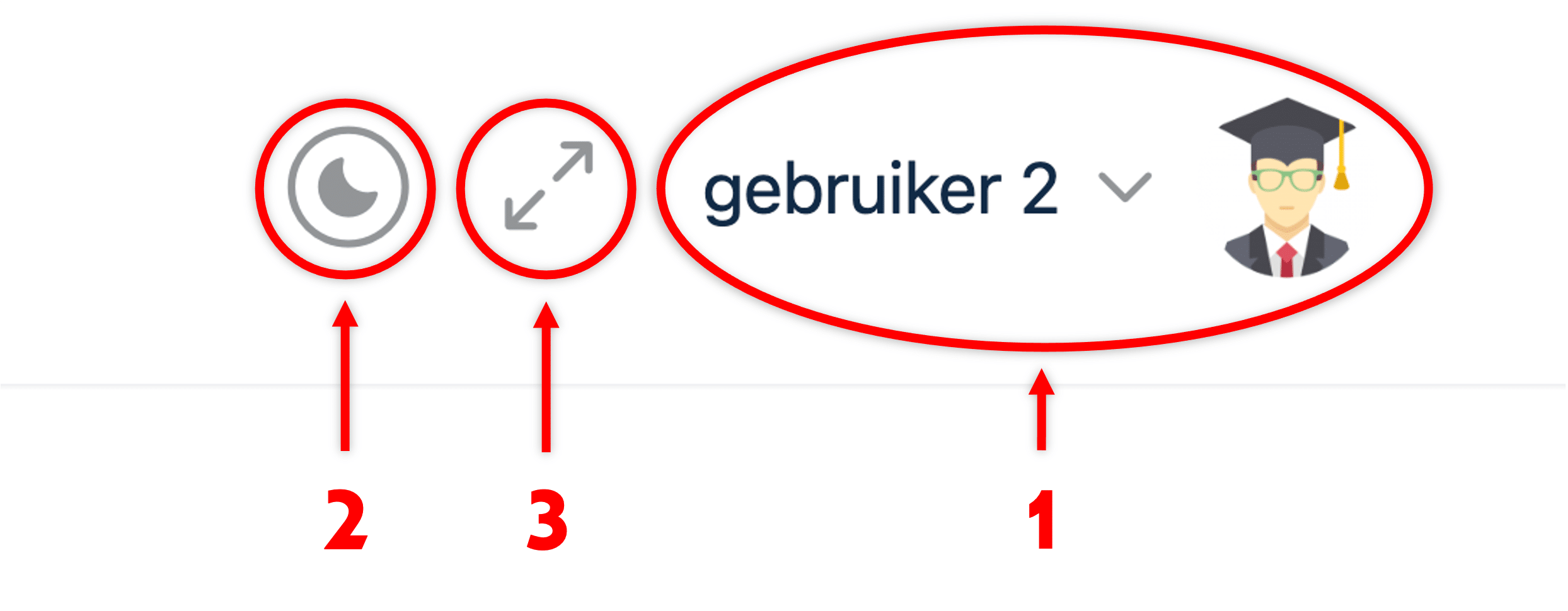
There are a number of options at the top right of the screen:
- Your account menu
- Dark mode / Light mode
- Course menu: Chapters, sections and quizzes (hide/display menu)
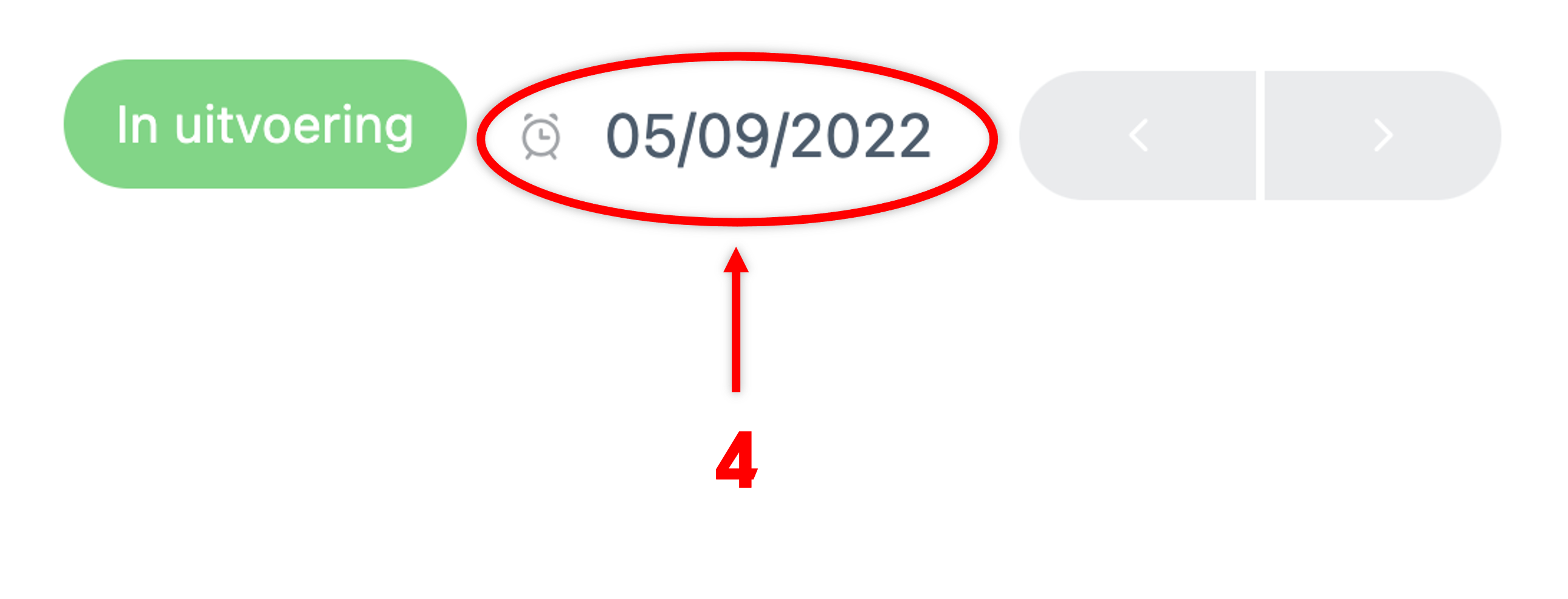
- Training expiration date
◆ 2 ◆

Go through all the chapters, related paragraphs and quizzes (practice questions). All questions between chapters and paragraphs are practice questions, mistakes are allowed! At the end of all your modules, you will be given a test. After successfully completing all modules and the corresponding “final test” you will receive your personal online certificate.
Calm down! You have ample time to complete the course. Continue or pause at your desired time.
◆ 3 ◆
➜ Click here to open.
Blue: Here you will find additional information that no quiz or test questions are asked about.
◆ 4 ◆
After each chapter or paragraph, the “Mark as completed” button appears. Click on it to go to the next section.
◆ 5 ◆
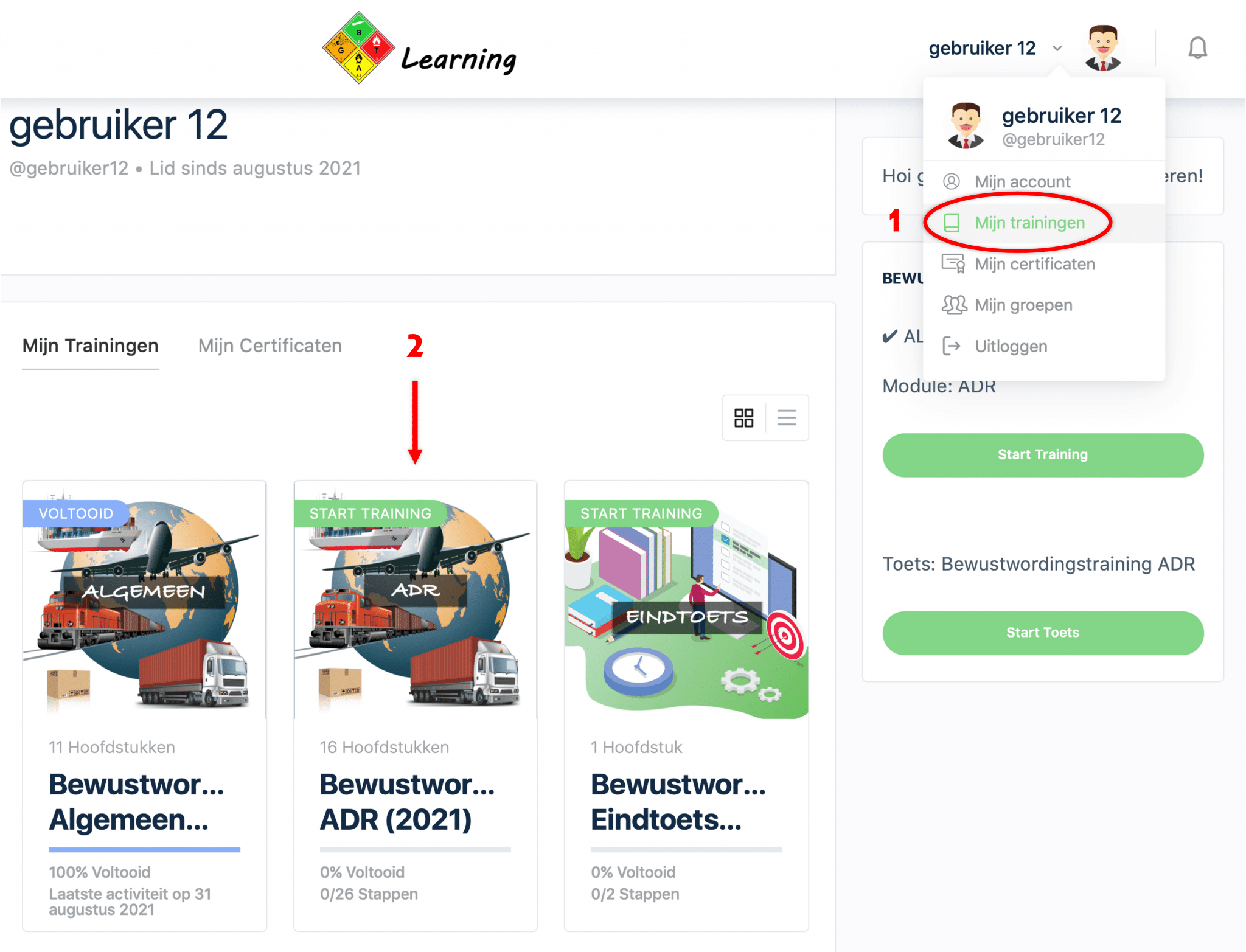
After completing the module, return to “My Workouts” in your account menu and proceed to the next module. Finally, you will take the “final test” to obtain your certificate.
Good luck with the training!